Rublon User Guide is meant for users who want to learn more about Rublon MFA. If you are an administrator looking for deployment instructions, refer to our Documentation.
Log in to OpenCart with Rublon 2FA
1. Go to My Account → Login.
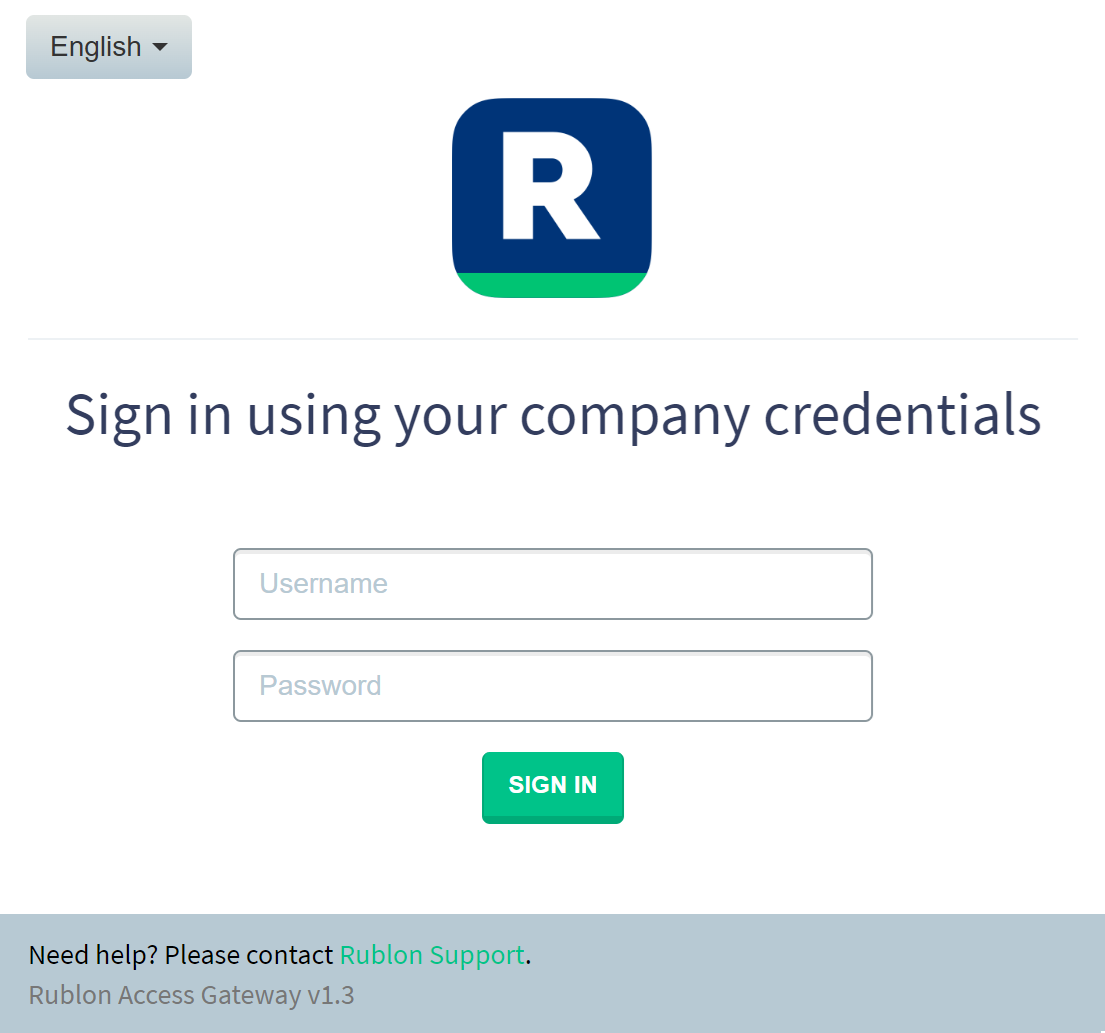
2. Click the Login with Rublon button to initiate Rublon 2FA. You will be redirected to the Rublon Access Gateway login page.
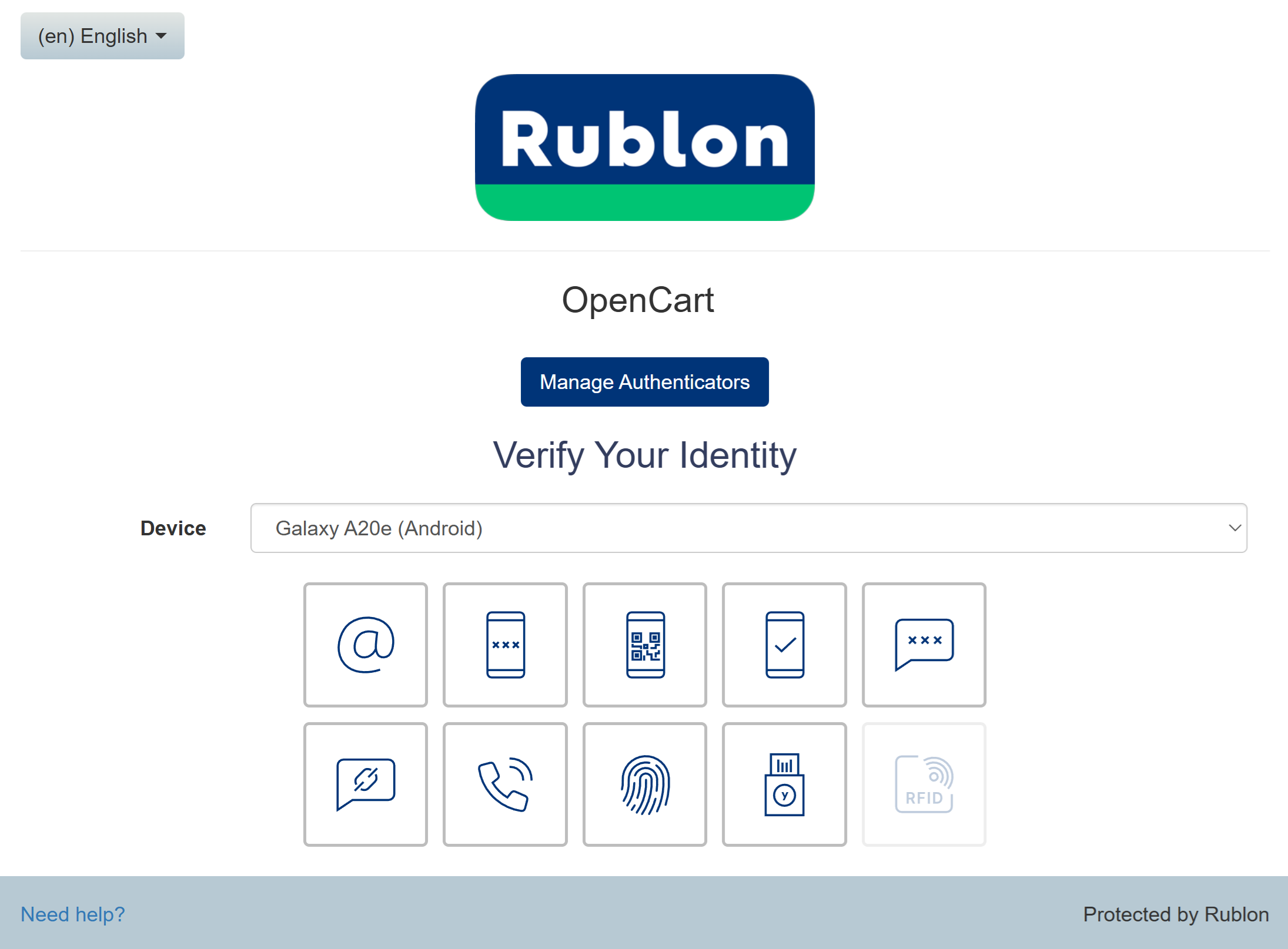
3. Provide your username and password. Click SIGN IN. A window will appear with a selection of various 2FA options from Rublon. Let’s choose Mobile Push.
4. You will be sent a push notification. Tap APPROVE.
5. You will be successfully logged in to OpenCart.