
Protect business logins with FIDO authentication designed to resist credential phishing and attacks against traditional MFA.
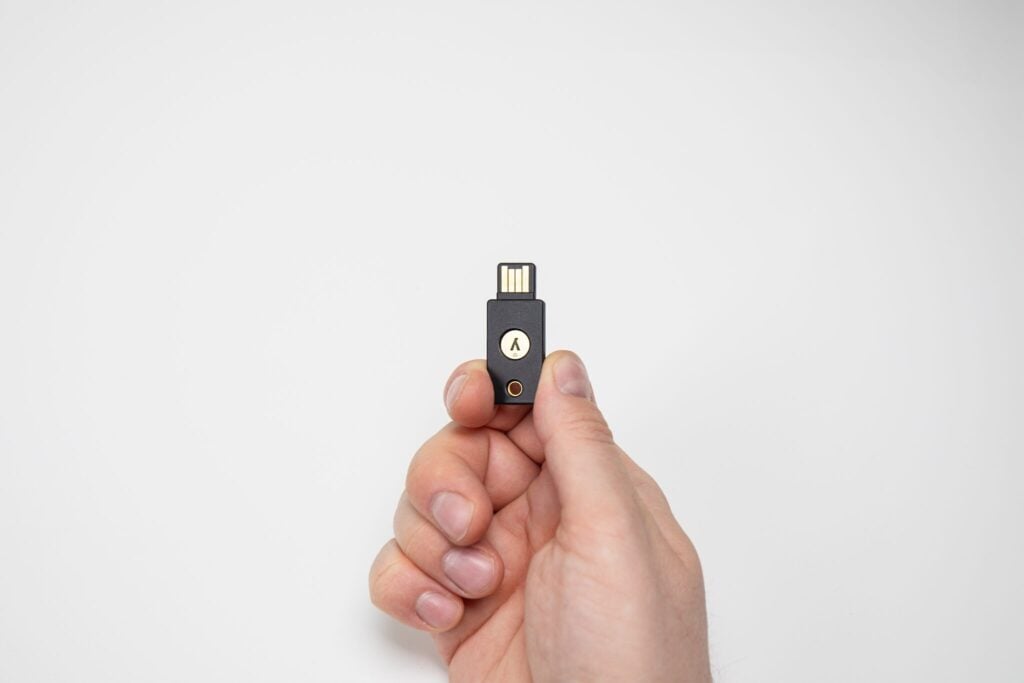
Deploy FIDO2 and FIDO U2F security keys, as well as FIDO2 passkeys, across supported Rublon MFA integrations.
✅ FIDO2 security keys and FIDO2 passkeys
✅ Centralized authenticator management
✅ Protection for supported cloud, on-premises, and hybrid environments
Traditional MFA Can Still Be Phished
FIDO-based phishing-resistant MFA uses cryptographic verification instead of transferable codes or approval requests that attackers can intercept or relay.
✅ Resist Fake Login Pages
FIDO verifies the legitimate service before completing authentication, so a fraudulent website cannot obtain a response valid for another service.
✅ Resist Credential Replay
Users do not enter authentication codes that attackers can intercept and relay in real time.
✅ Reduce Account Takeover Risk
A stolen password alone is not enough to complete a FIDO-protected login.

Protect Critical Access Paths
Add phishing-resistant FIDO authentication to supported business systems and applications.
Windows and Remote Desktop
Use FIDO authentication with supported Windows Logon and Remote Desktop integrations.
Cloud and Web Applications
Add FIDO authentication to supported SAML, cloud, and web applications.
Choose the Right FIDO Authenticator

FIDO2 Security Keys
Use physical FIDO U2F and FIDO2 security keys for hardware-based authentication. They are well suited to administrators, privileged accounts, shared workstations, and users who require a dedicated authenticator.

FIDO2 Passkeys
Use passkeys stored on a computer, mobile device, compatible password manager, or FIDO2 security key. Supported options include Windows Hello passkeys, mobile phone passkeys, and password manager passkeys.
Compare FIDO2 security keys and passkeys →

Deploy FIDO Without Losing Central Control
Manage phishing-resistant authenticators across the organization with Rublon MFA.
Flexible Enrollment
Allow users to register their own security keys and passkeys or let administrators enroll authenticators on their behalf.
Authenticator Management
Review registered authenticators, ownership and usage details, and remove authenticators that are no longer authorized.
Policy-Based Rollout
Make FIDO available for selected applications and user groups. Start with administrators and critical systems, then expand the rollout.
Phishing-Resistant MFA in Practice
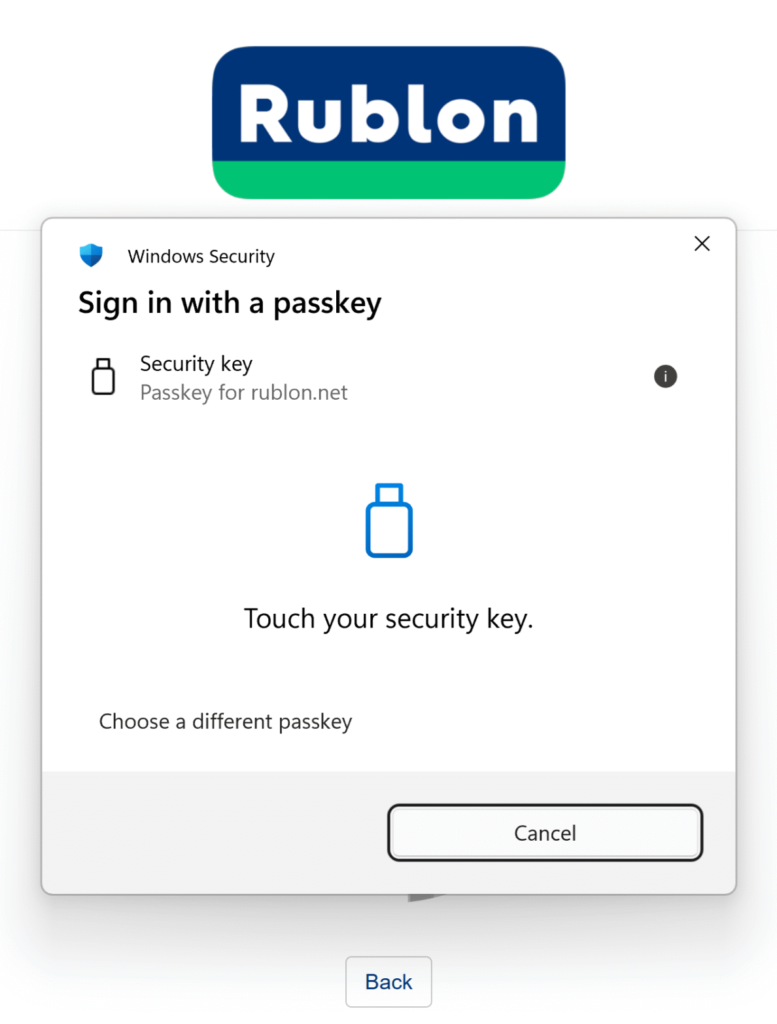
The Municipal Office in Zbaszyn uses Rublon MFA to protect VPN, Windows, Remote Desktop, SSH, and web access. FIDO2 security keys provide phishing-resistant authentication where stronger protection is required.
Start With Your Highest-Risk Users
Test phishing-resistant MFA in your environment and expand the rollout over time.
1️⃣ Select a Critical Access Path
Start with administrators, remote access, Windows and RDP logins, or a high-value application.
2️⃣ Register Security Keys or Passkeys
Let users enroll their own authenticators or manage enrollment through the Rublon Admin Console.
3️⃣ Expand the Rollout
Apply FIDO authentication to additional applications, user groups, and access scenarios.
Frequently Asked Questions
What Is Phishing-Resistant MFA?
Phishing-resistant MFA uses cryptographic authentication tied to the legitimate service. Users do not enter transferable codes or approve unverified requests that an attacker could intercept and reuse.
Does Rublon MFA Support Both Security Keys and Passkeys?
Yes. Rublon MFA supports FIDO U2F and FIDO2 security keys, as well as FIDO2 passkeys.
Explore FIDO Authentication →
Where Can I Use FIDO With Rublon MFA?
Rublon MFA supports FIDO across selected Windows, Remote Desktop, SAML, cloud, and web application integrations. A limited number of other integrations also support FIDO. Available authenticator types and authentication flows depend on the integration.
View integrations that support FIDO →
Can Administrators Manage FIDO Authenticators Centrally?
Yes. Administrators can enroll authenticators for users, review registered security keys and passkeys, inspect authenticator details, and remove unauthorized authenticators through the Rublon Admin Console.
Is the Rublon MFA Trial Free?
Yes. The Rublon MFA trial lasts 30 days and does not require a credit card.
Make Phishing Fail at Authentication
Move beyond passwords, transferable codes, and unverified approval requests. Add phishing-resistant FIDO authentication to supported business systems with Rublon MFA.