• Skip to primary navigation
  • Skip to main content
  • Skip to footer

Company · Blog · Newsletter · Events · Partner Program

Downloads      Support      Security     Admin Login      Password Generator
Rublon

Rublon

Secure Remote Access

  • Product
    • Regulatory Compliance
    • Use Cases
    • Rublon Reviews
    • Authentication Basics
    • What is MFA?
    • User Experience
    • Authentication Methods
    • Rublon Authenticator
    • Remembered Devices
    • Logs
    • Single Sign-On
    • Access Policies
    • Directory Sync
  • Solutions
    • MFA for Remote Desktop
    • MFA for Remote Access Software
    • MFA for Windows Logon
    • MFA for Linux
    • MFA for On-Premise Active Directory
    • MFA for LDAP
    • MFA for RADIUS
    • MFA for SAML
    • MFA for RemoteApp
    • MFA for Workgroup Accounts
    • MFA for Entra ID
  • Customers
  • Industries
    • Financial Services
    • Investment Funds
    • Retail
    • Technology
    • Healthcare
    • Legal
    • Education
    • Government
    • Utilities
  • Pricing
  • Docs
Contact Sales Free Trial

Authentication Methods

Hardware- and software-based 2FA/MFA methods

Last updated on January 7, 2026

Rublon MFA offers a variety of authentication methods that are hardware- and software-based. Administrators decide which 2FA/MFA methods are available to users.

FIDO

Rublon MFA supports the FIDO2 industry standard, enabling users to sign in to applications with strong multi-factor authentication by tapping a physical WebAuthn/U2F security key or using a FIDO2 passkey.
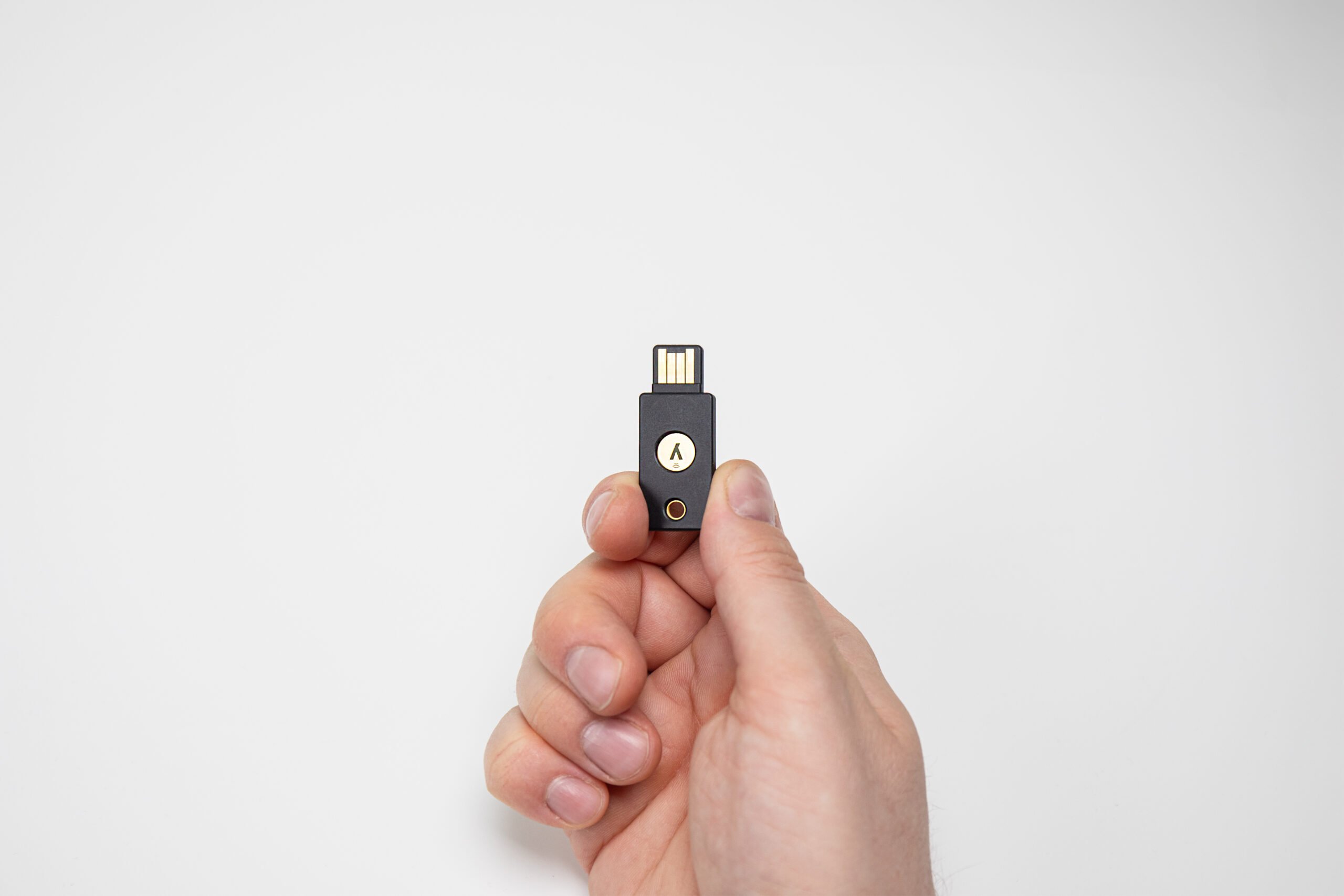
Rublon MFA's WebAuthn/U2F authentication method

Learn More About the FIDO Authentication Method

Passcode

The Rublon Authenticator app or a third-party app like Google Authenticator generates a Passcode, even when offline. Users may verify their identities through multi-factor authentication by entering these passcodes into the Rublon Prompt or appending them to their passwords. Admins can also generate Bypass Codes for users.

Rublon MFA's Passcode authentication method

Rublon Mobile Passcode is based on the TOTP Time-Based One-Time Password Algorithm, which was designed by Symantec, VeriSign and others.

Rublon Bypass Code allows administrators to generate limited-time and limited-use passcodes for users that come in handy when the user loses their device.

Learn More About Using the Passcode Method

QR Code

A dedicated Rublon MFA app generates QR codes that appear on the Rublon Prompt. Users verify their identities by scanning these QR codes using a phone with the Rublon Authenticator app.

Rublon MFA's QR Code authentication method

Learn How QR Code Work With Rublon Authenticator

YubiKey OTP

Rublon MFA supports Yubico YubiKey OTP, enabling users to sign in to applications with one-time passwords (OTP) by tapping a physical YubiKey OTP security key.

Rublon MFA's YubiKey OTP authentication method

Learn More About YubiKey OTP

Email Link

Email Link is a simple way to verify the identities of users that requires no software installation or additional hardware. Users click on a link sent by Rublon MFA to a user’s email address and get signed in on the device that started the login process.
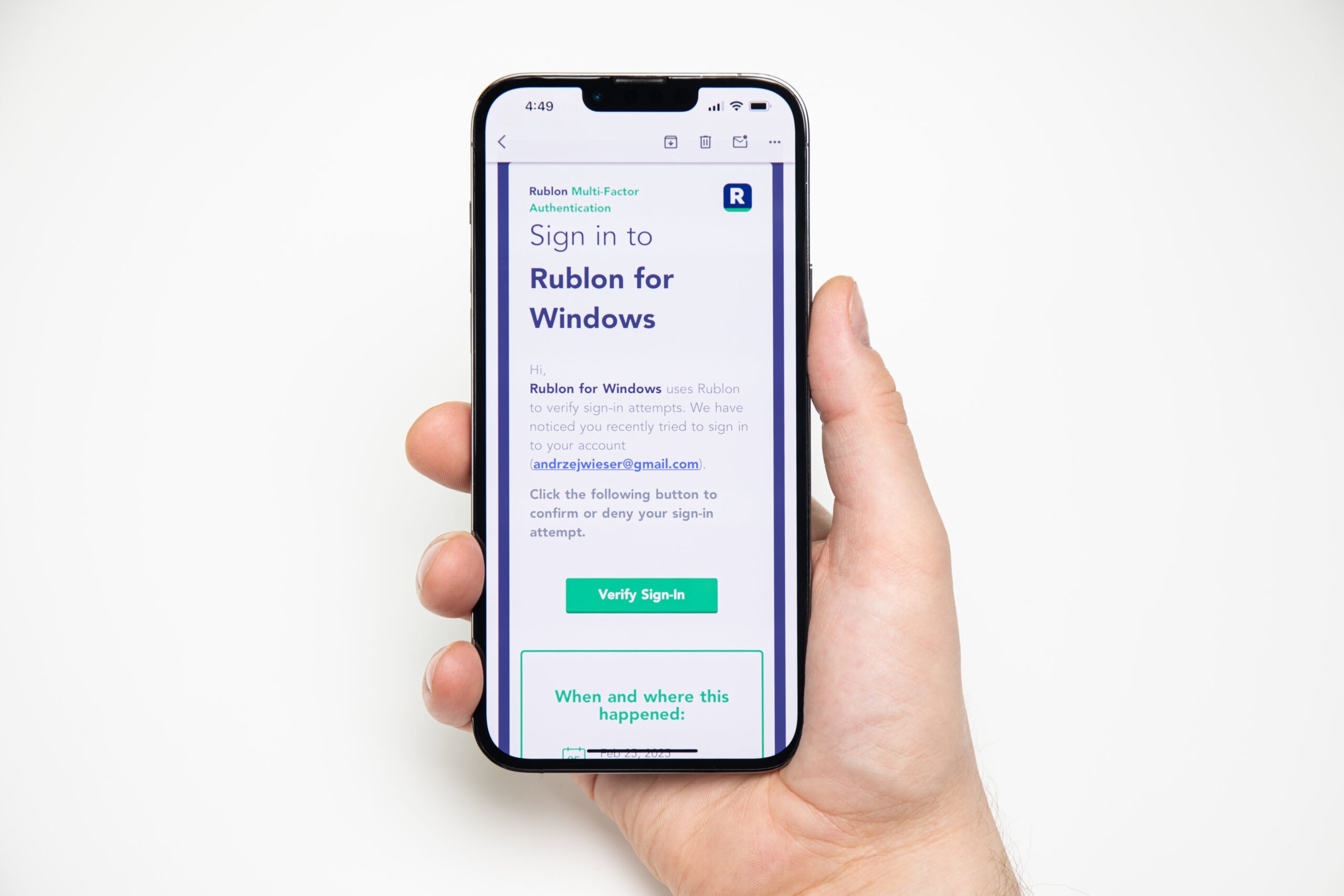
Rublon MFA's Email Link authentication method

Learn More About Email Link

Mobile Push

Mobile Push is a fast and secure way for users to verify their identities, using push notifications sent to their phones. The Rublon Authenticator app enables users to approve or deny login attempts with a single tap.

Rublon MFA's Mobile Push authentication method

Learn More About Rublon Push

SMS Passcode

Rublon MFA sends one-time passcodes via SMS, enabling users without internet connectivity or smartphones to verify their identities with two-factor authentication. Users enter these passcodes into the Rublon Prompt.
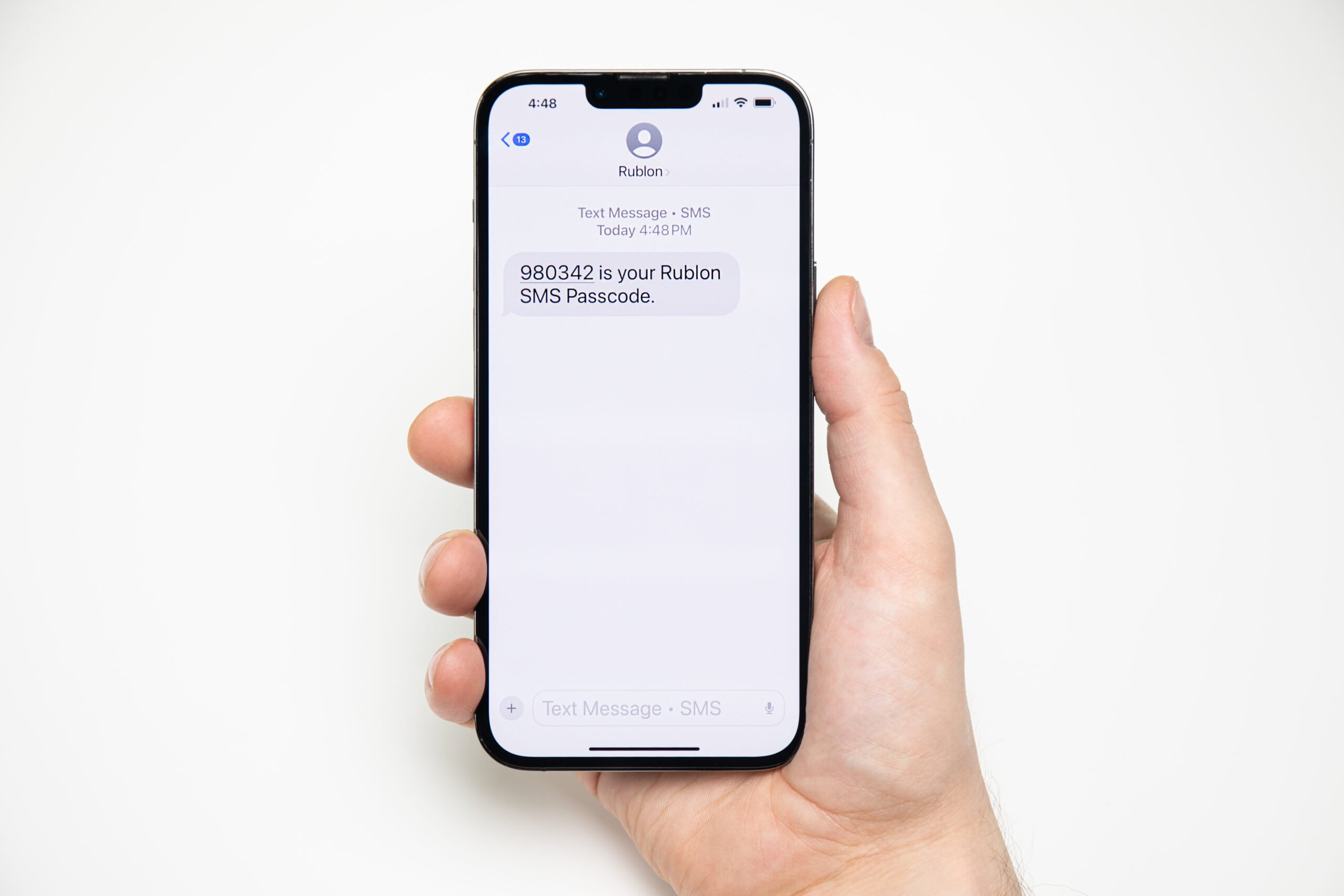
Rublon MFA's SMS Passcode authentication method

Learn More About SMS Passcode

SMS Link

Rublon’s SMS Link authentication provides a smooth and safe identity verification process. It allows you to confirm your login attempts by opening a link sent to your mobile device through SMS.
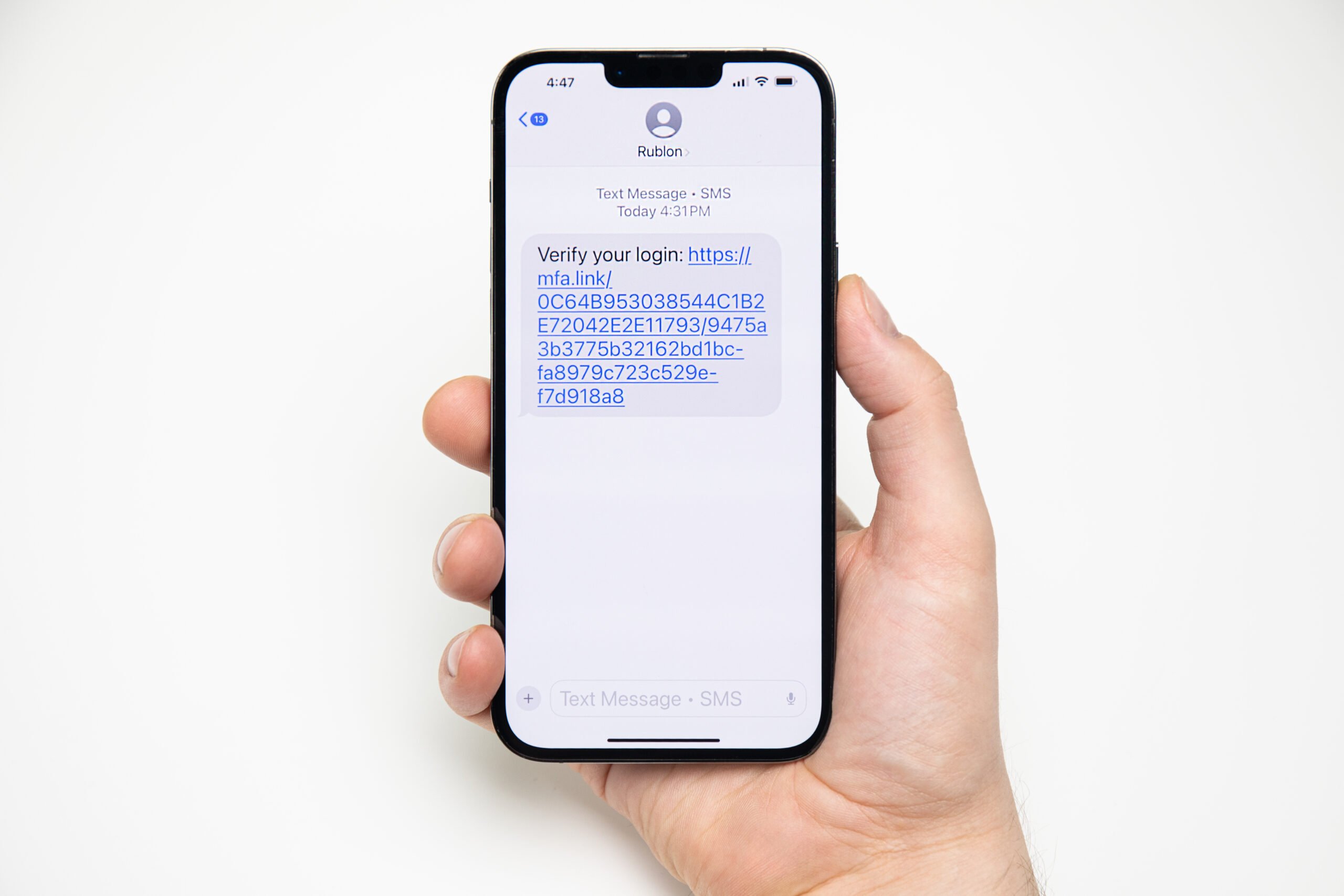
Rublon MFA's SMS Link authentication method

Learn More About SMS Link

Phone Call

Rublon’s Phone Call authentication method offers a seamless and secure way to verify your identity. Authenticate your login attempts effortlessly by answering an automated voice call from Rublon MFA and pressing any key.
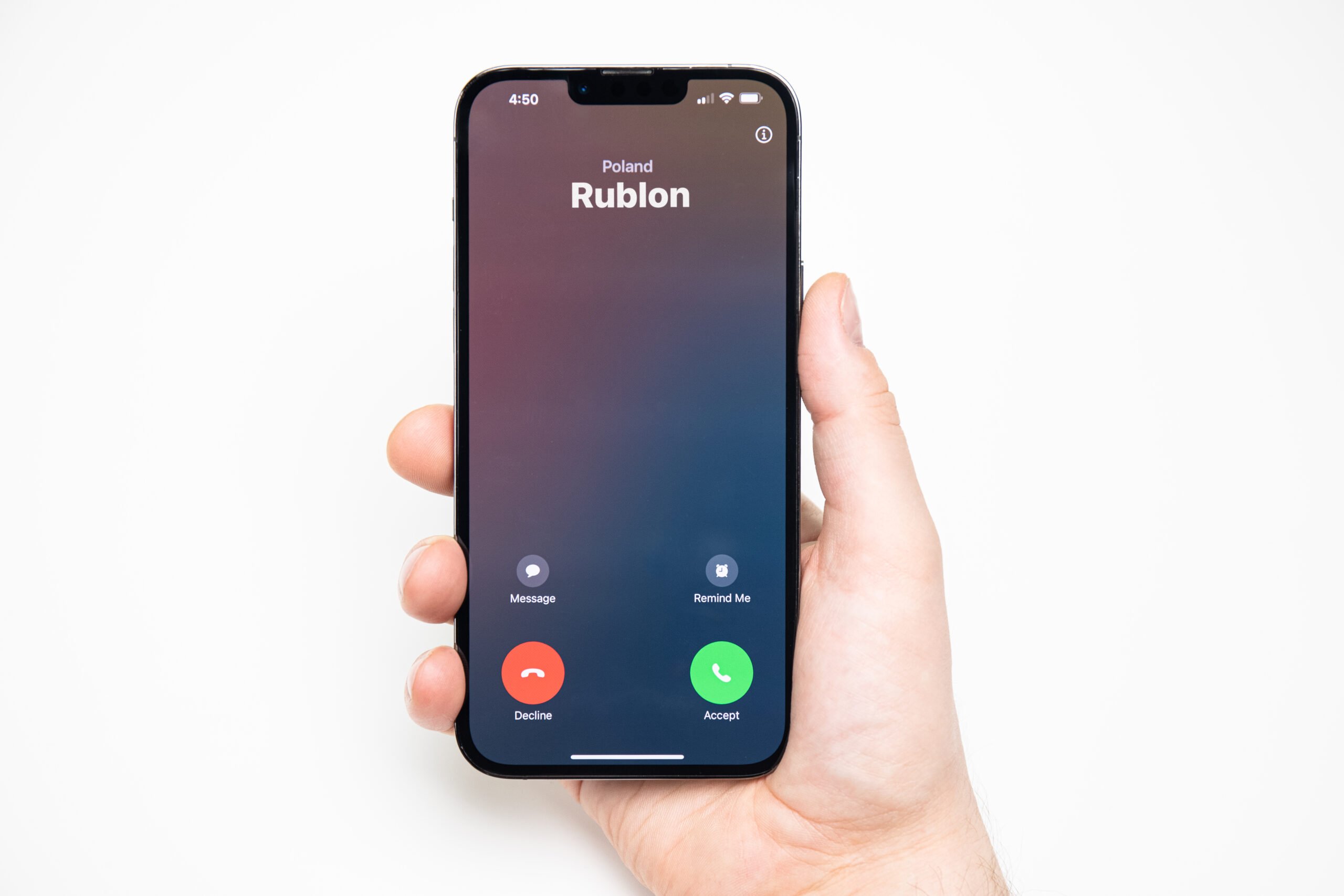
Rublon MFA's Phone Call authentication method

Learn More About Phone Call

RFID

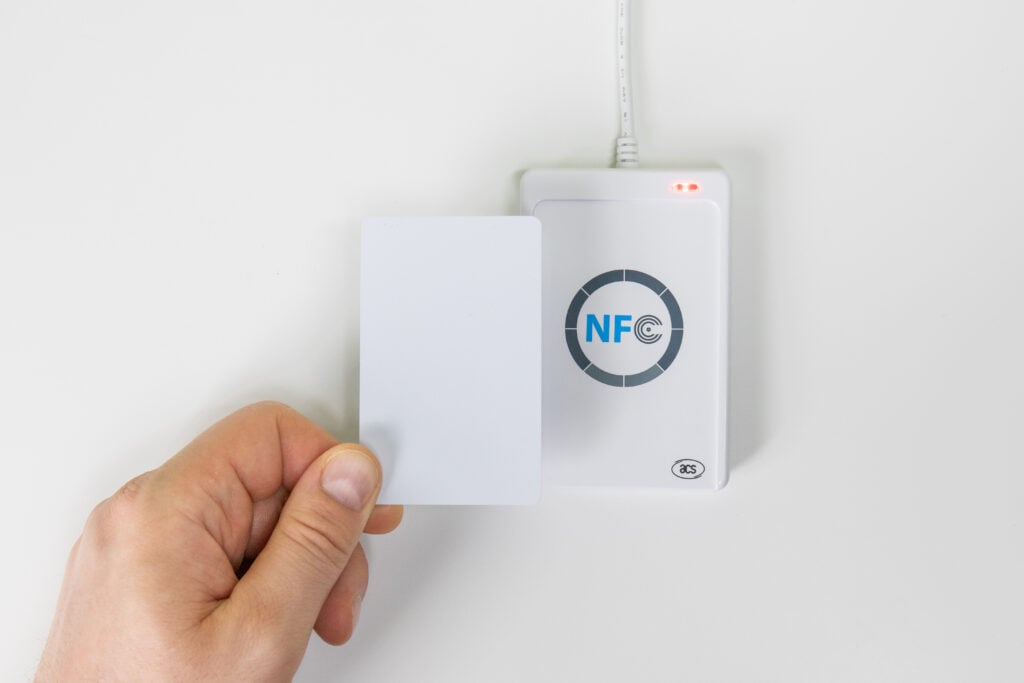
Rublon MFA's RFID authentication method

Rublon MFA supports RFID authenticators, making it simple for users to sign in to applications with RFID smart cards. This approach extends the everyday use of employee badges or access cards into the digital space, allowing organizations to streamline login processes without adding complexity.

Learn More About RFID

Try Rublon for Free
Start your 30-day Rublon Trial to secure your employees using multi-factor authentication.
No Credit Card Required
Rublon 5 star reviews on Gartner Peer Insights

Footer

Product

  • Regulatory Compliance
  • Use Cases
  • Rublon Reviews
  • Authentication Basics
  • What is MFA?
  • User Experience
  • Authentication Methods
  • Rublon Authenticator
  • Remembered Devices
  • Logs
  • Single Sign-On
  • Access Policies
  • Directory Sync

Solutions

  • MFA for Remote Desktop
  • MFA for Windows Logon
  • MFA for Remote Access Software
  • MFA for Linux
  • MFA for On-Premise Active Directory
  • MFA for LDAP
  • MFA for RADIUS
  • MFA for SAML
  • MFA for RemoteApp
  • MFA for Workgroup Accounts
  • MFA for Entra ID

Industries

  • Financial Services
  • Investment Funds
  • Retail
  • Technology
  • Healthcare
  • Legal
  • Education
  • Government
  • Utilities

Documentation

  • 2FA for Windows & RDP
  • 2FA for RDS
  • 2FA for RD Gateway
  • 2FA for RD Web Access
  • 2FA for SSH
  • 2FA for OpenVPN
  • 2FA for SonicWall VPN
  • 2FA for Cisco VPN
  • 2FA for Office 365

Support

  • Knowledge Base
  • FAQ
  • System Status

About

  • About Us
  • Blog
  • Events
  • Careers
  • Co-funded by the European Union
  • Contact Us

  • Facebook
  • GitHub
  • LinkedIn
  • Twitter
  • YouTube

© 2026 Rublon · Imprint · Legal & Privacy · Security

  • English
  • Deutsch (German)
  • Polski (Polish)