
Last updated on October 12, 2026

It is easy to steal a password. It isn’t easy to steal a phone. It is impossible to steal and very hard to forge somebody’s fingerprint. Biometrics are the future of authentication. Rublon MFA is the future. Rublon MFA fully supports FIDO U2F and FIDO2 security keys, as well as FIDO2 passkeys in the form of the FIDO authentication method.

Security keys are portable devices that a user plugs in to the USB port of their device during an authentication process. A user who wants to log in to an application integrated with Rublon MFA provides their login and password in the first step of authentication. In the second step, they are asked to plug in their security key and tap or touch the key. That’s it! See for yourself:

Rublon MFA takes FIDO authentication, which is highly secure to begin with, and makes it fast and user-friendly.
Managing FIDO Authenticators
Rublon MFA goes beyond user self-enrollment of FIDO authenticators. In addition to allowing users to register their own FIDO2 and U2F security keys and FIDO2 passkeys, Rublon MFA also enables administrators to enroll FIDO authenticators on behalf of users directly from the FIDO Authenticators tab in the Rublon Admin Console. This gives organizations more control over rollout, helps standardize onboarding, and makes it easier to deploy phishing-resistant MFA across the company.
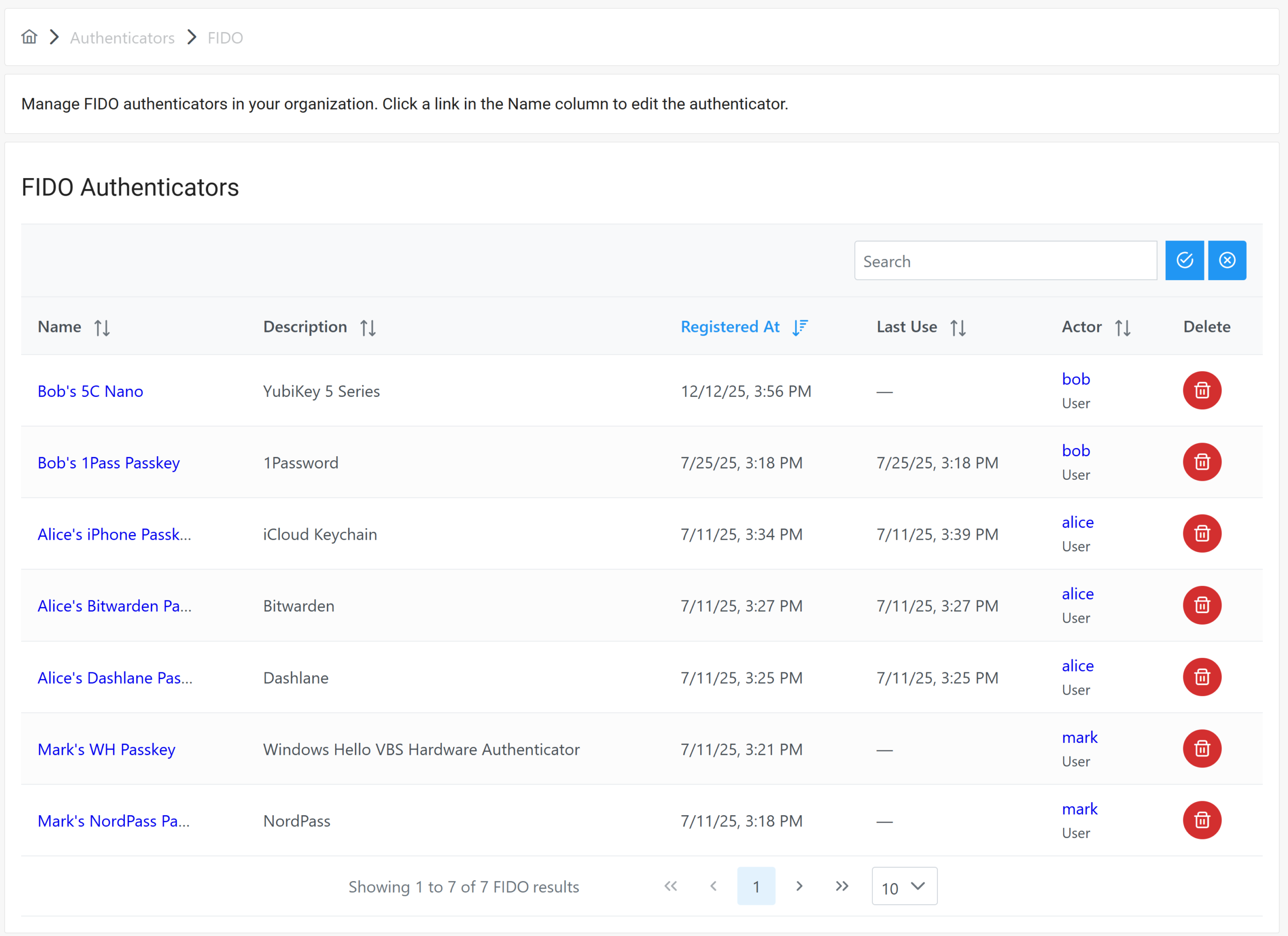
Administrators can also use the Rublon Admin Console to remove FIDO authenticators and view their details with a single click. By selecting an authenticator’s name, admins can review high-value information such as Name, Actor, and Last Use, along with registration details like Device, IP Address, Registered At, Authenticator Type, and Key Algorithm. Rublon MFA also exposes credential-level metadata, including AAGUID, Transports, Backup Data, UV Initialized, and Counter, as well as device specification data such as Description, Key Protection, Attachment Hint, Crypto Strength, Authentication Algorithms, and FIDO Certified Level.
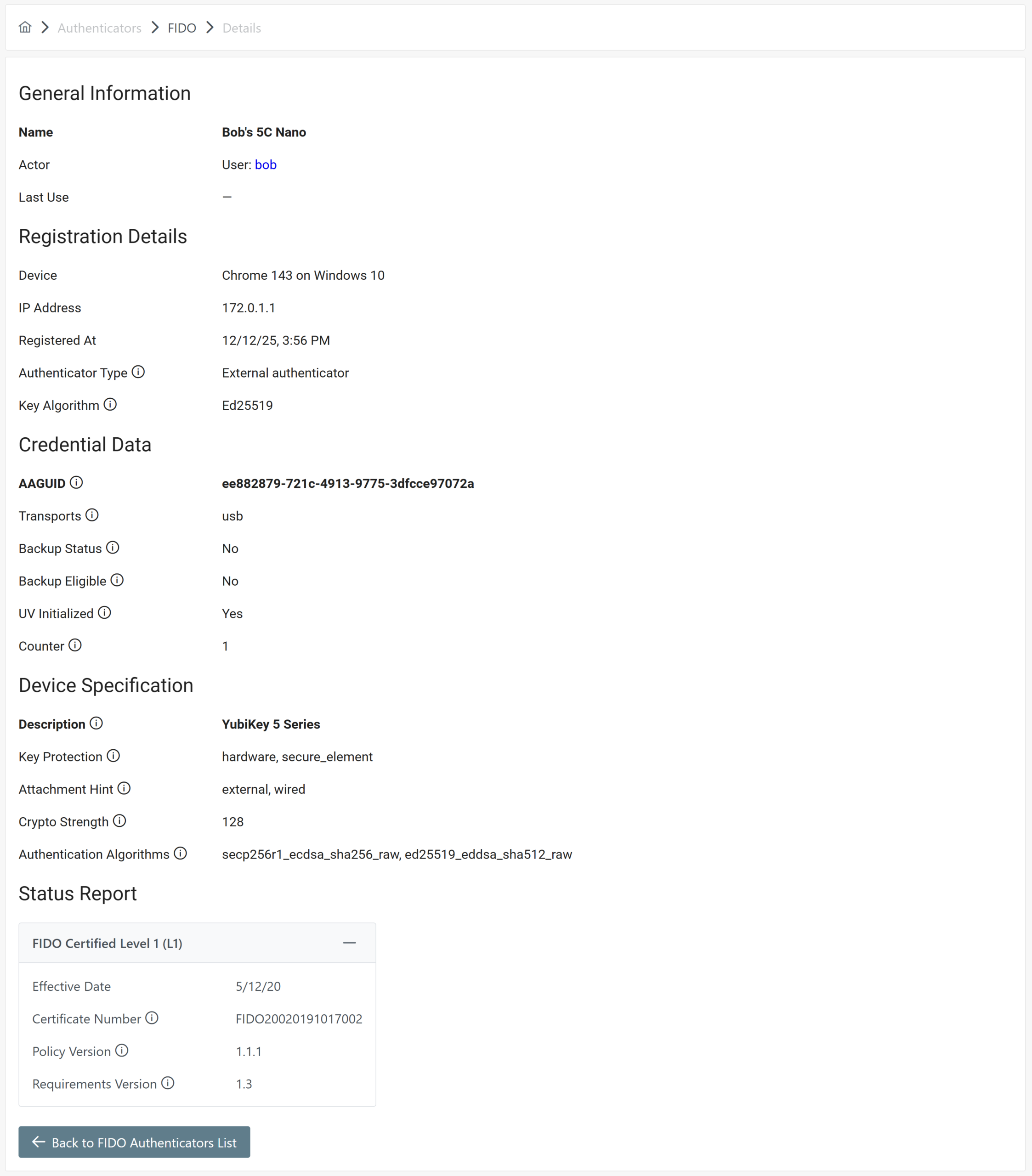
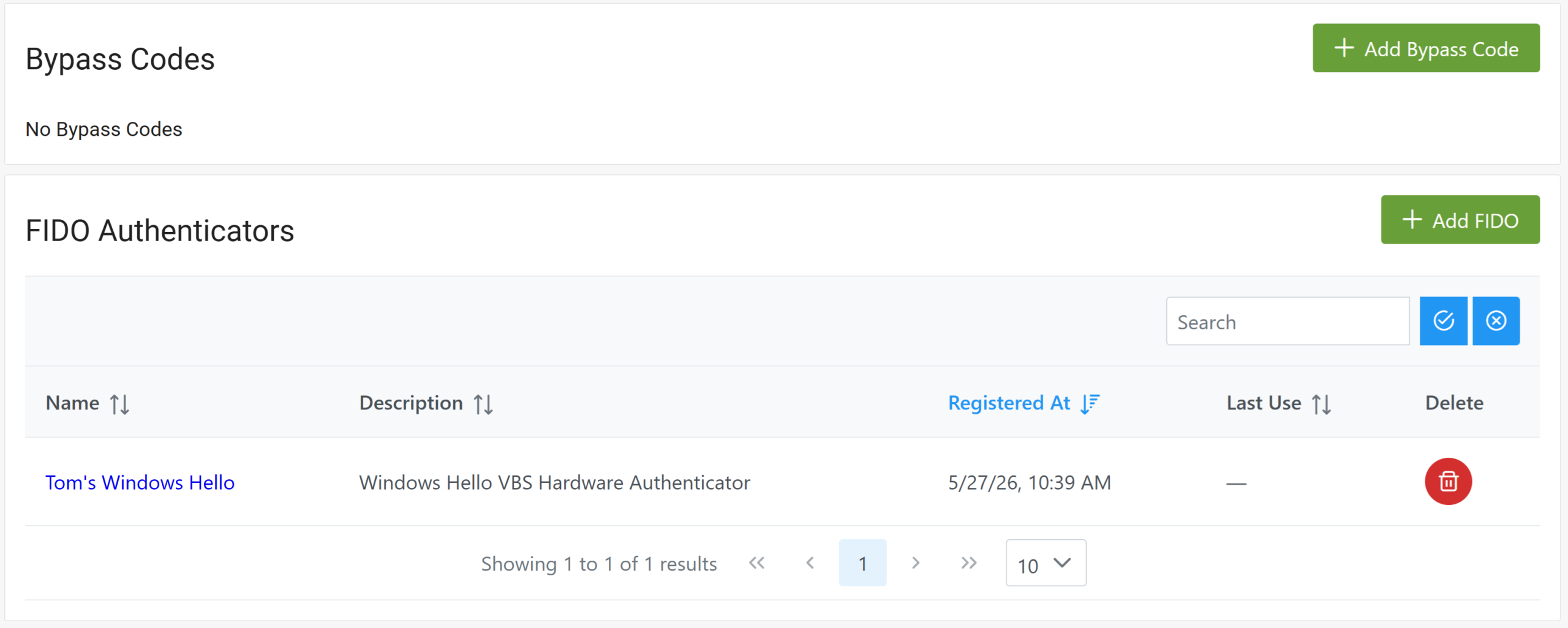
The same management capabilities are also available in each individual user profile under the FIDO Authenticators section. Together, these features give IT teams a practical way to streamline deployment, simplify lifecycle management, and maintain strong visibility into the company’s phishing-resistant authentication methods.
Offline FIDO Authentication for Windows
Rublon MFA for Windows Logon and RDP supports FIDO security keys in Offline Mode. Users can complete MFA with an enrolled FIDO authenticator even when their Windows computer has no internet connection.
Supported keys include FIDO2 security keys and FIDO U2F keys, including keys with a PIN or built-in fingerprint verification. This gives users a hardware-based alternative to passcodes from a mobile app when signing in offline.
Offline Mode must be enabled, and the user’s authentication data must have been synchronized on the computer while it was online.
Learn how to configure Offline Mode for Windows.
List Of Integrations That Support FIDO
- Active Directory Federation Services (AD FS)
- Aha!
- BambooHR
- Bonusly
- Bugsnag
- Certify
- Cisco AnyConnect VPN with ASA
- Citrix Gateway
- Confluence Server and Data Center
- Confluent
- Dropbox
- Envoy
- Fastly
- FogBugz
- Freshdesk
- GitHub
- G Suite
- HackerRank for Work
- Jamf Pro
- Jira Server and Data Center
- Jitbit
- Kemp
- ManageEngine ADManager Plus
- Office 365
- OpenCart
- Open edX
- OpenVPN Cloud
- Outlook Web App (OWA)
- PagerDuty
- Pingdom
- Pulse Connect Secure SSL VPN
- Remote Desktop Protocol (RDP)
- Remote Web Access (RD Web)
- Roundcube
- Salesforce
- Snipe-IT
- SonicWall SMA
- Splunk
- Sumo Logic
- Weekdone
- WordPress
- Zendesk