
Last updated on September 11, 2026
Rublon User Guide is meant for users who want to learn more about Rublon. If you are an administrator looking for deployment instructions, refer to our Documentation.
To use the SMS Passcode, SMS Link, and Phone Call authentication methods, you must enroll your phone number.
Note
You can enroll more than one phone number. You can select which phone number should the SMS message be sent to by selecting the number in the Device dropdown on the Rublon Prompt.
Add your mobile phone number using Manage Authenticators
1. Initiate login to your application.
2. Provide your username and password.
3. Rublon Prompt appears.
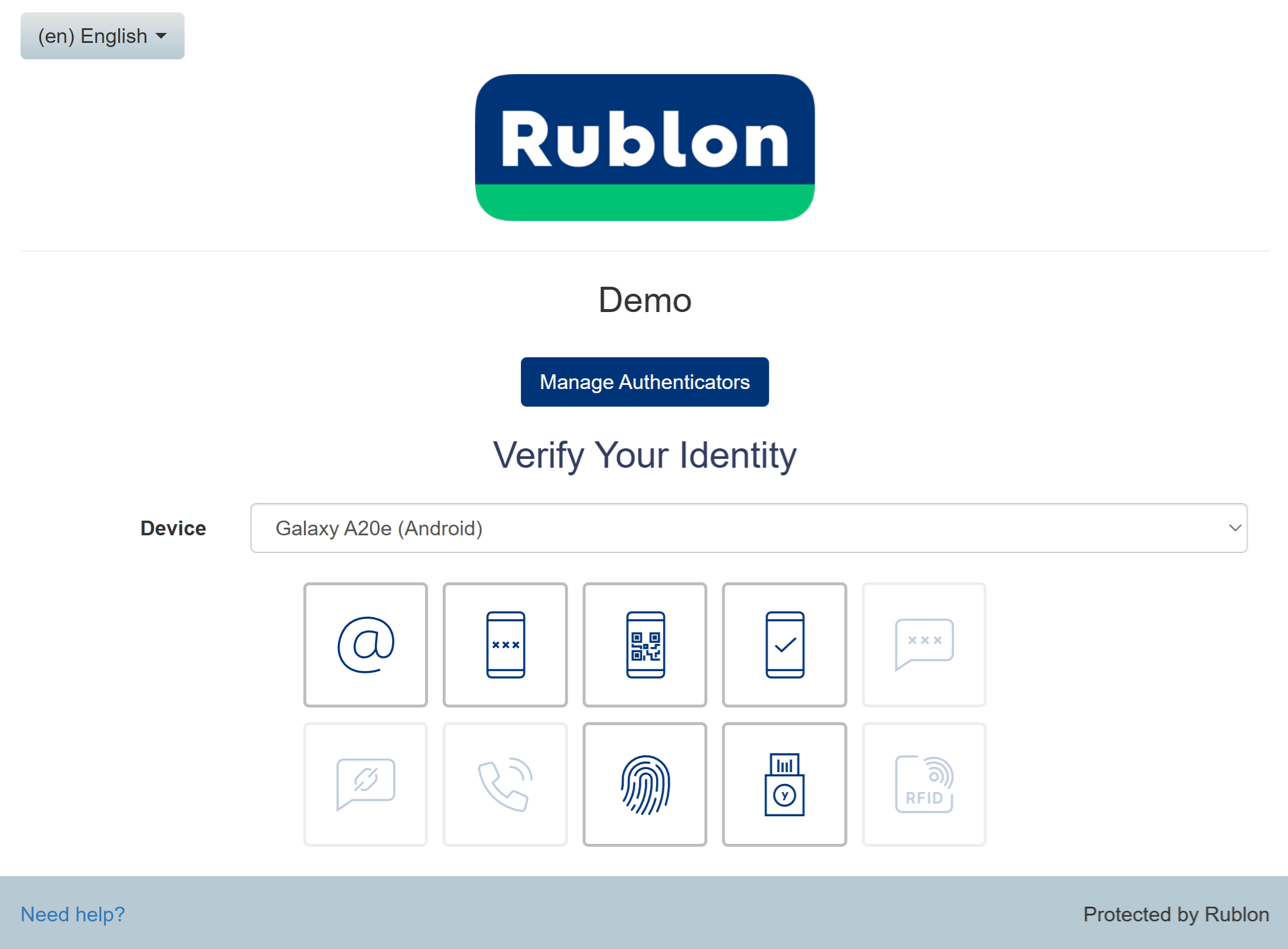
4. Click Manage Authenticators.
5. To confirm your identity before proceeding, choose one of the available authentication methods.
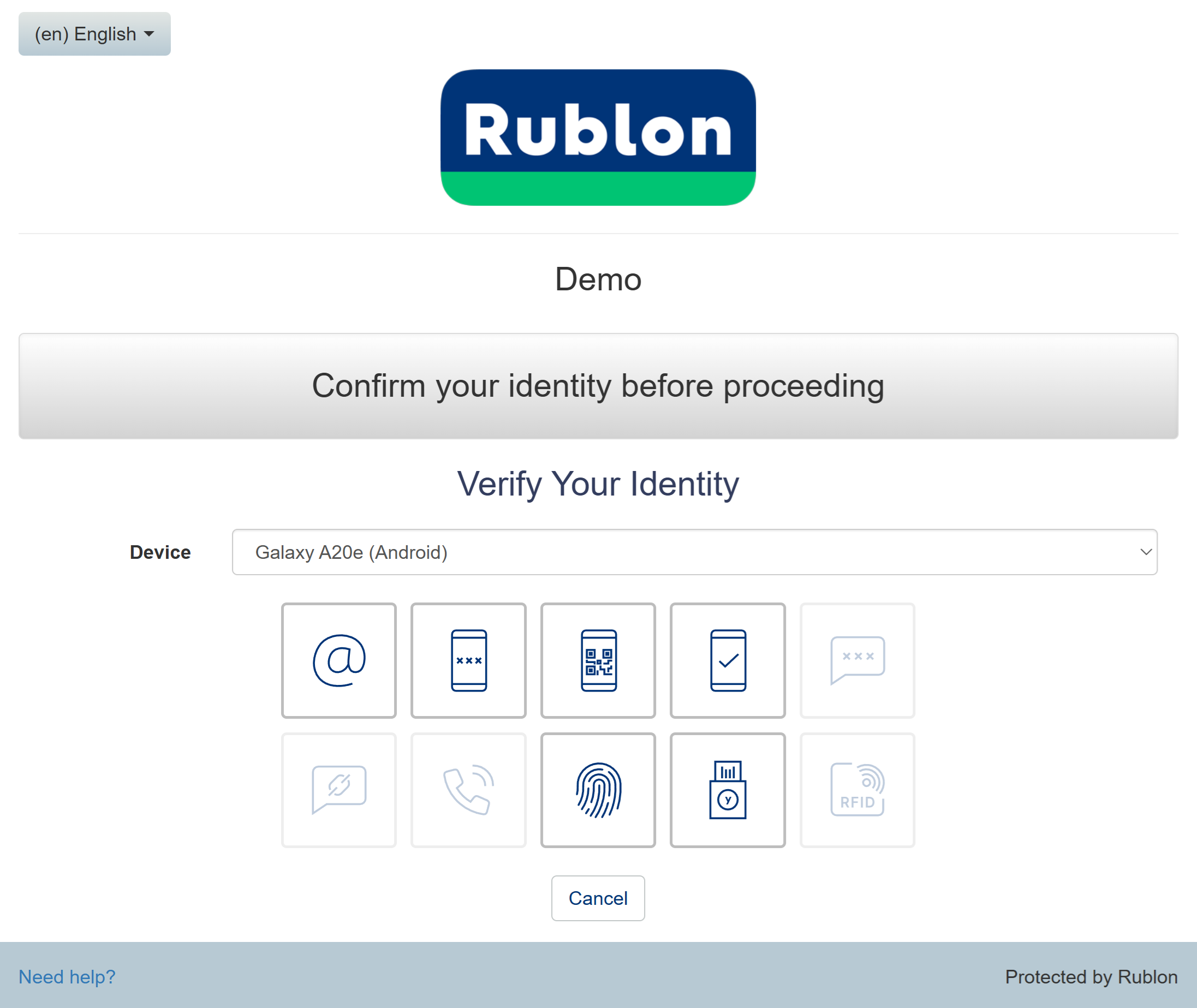
6. After you confirm your identity with one of the available methods (e.g., Email Link), the Rublon Prompt will display the Manage Authenticators view.
7. Click Add Authenticator.
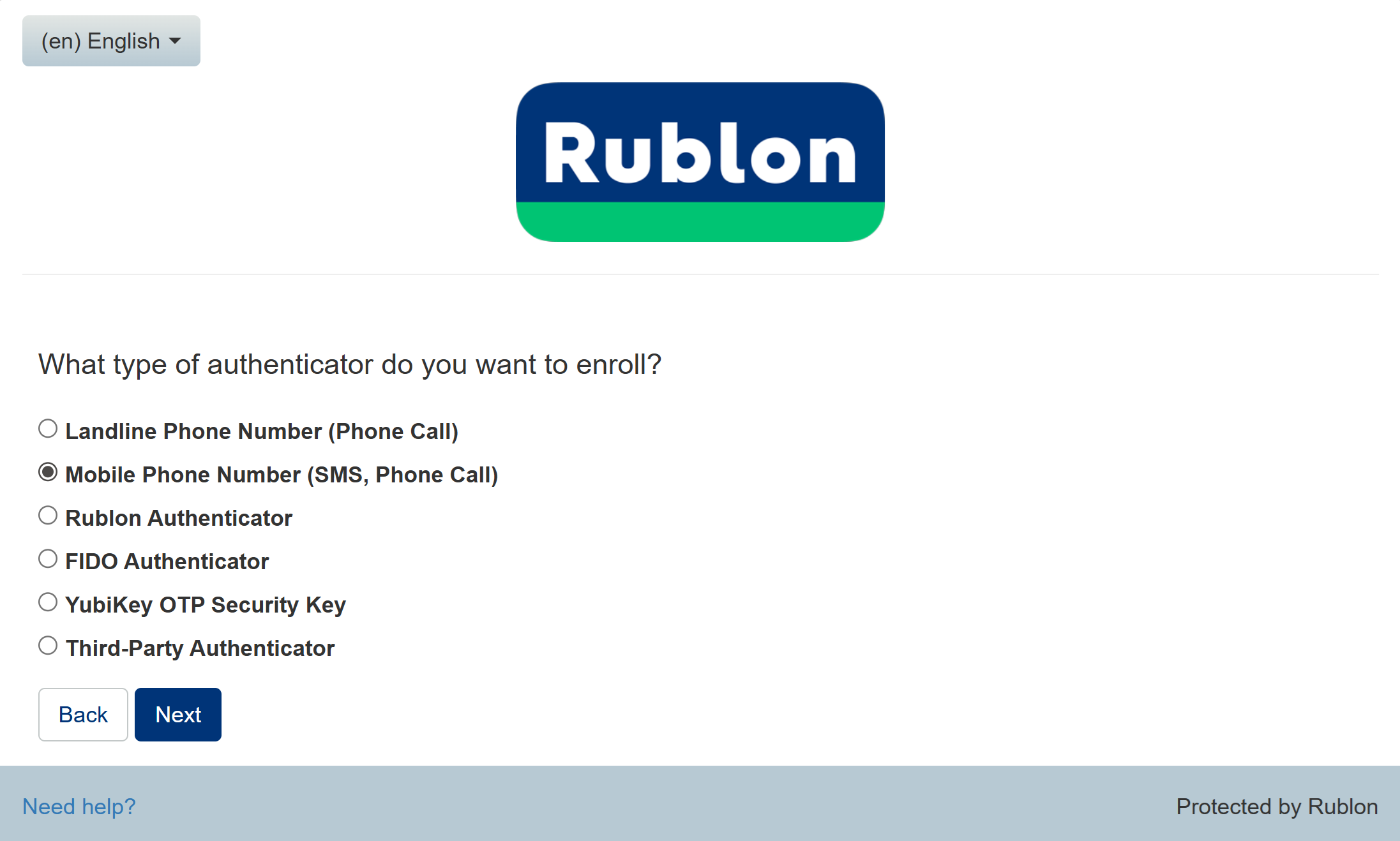
8. Select Mobile Phone Number (SMS, Phone Call) as your authenticator type and click Next.
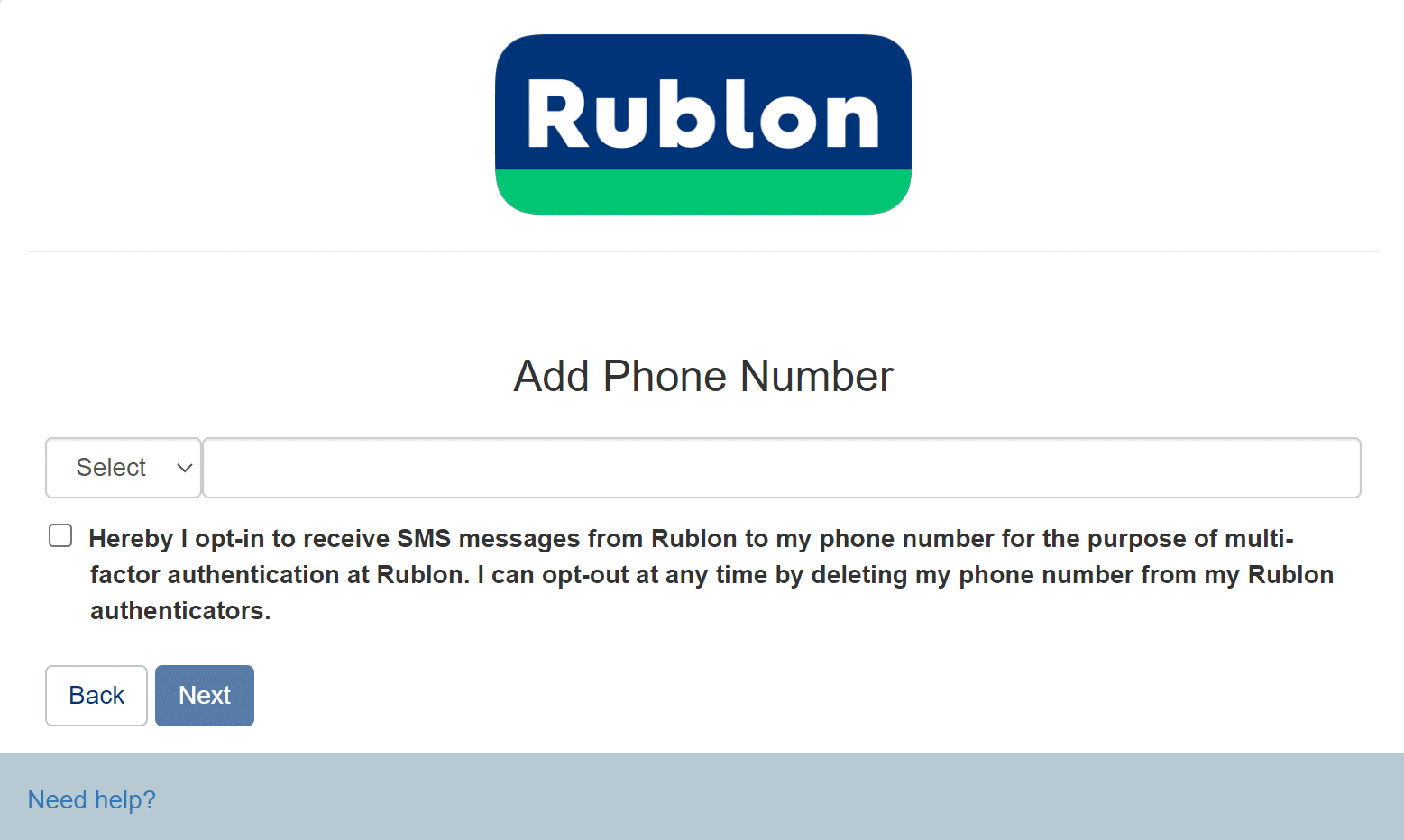
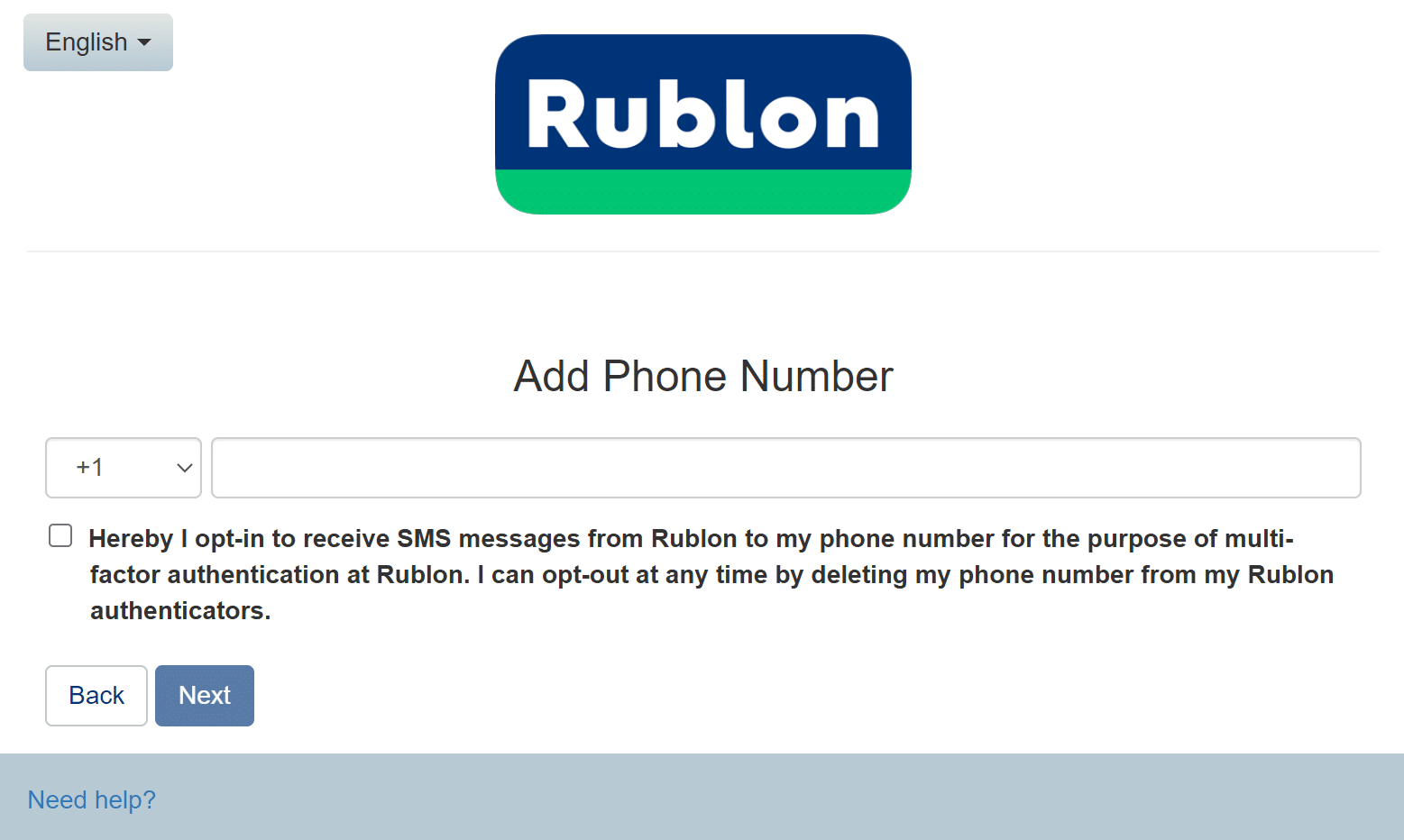
9. Enter your phone number, accept the SMS opt-in, and click Next.
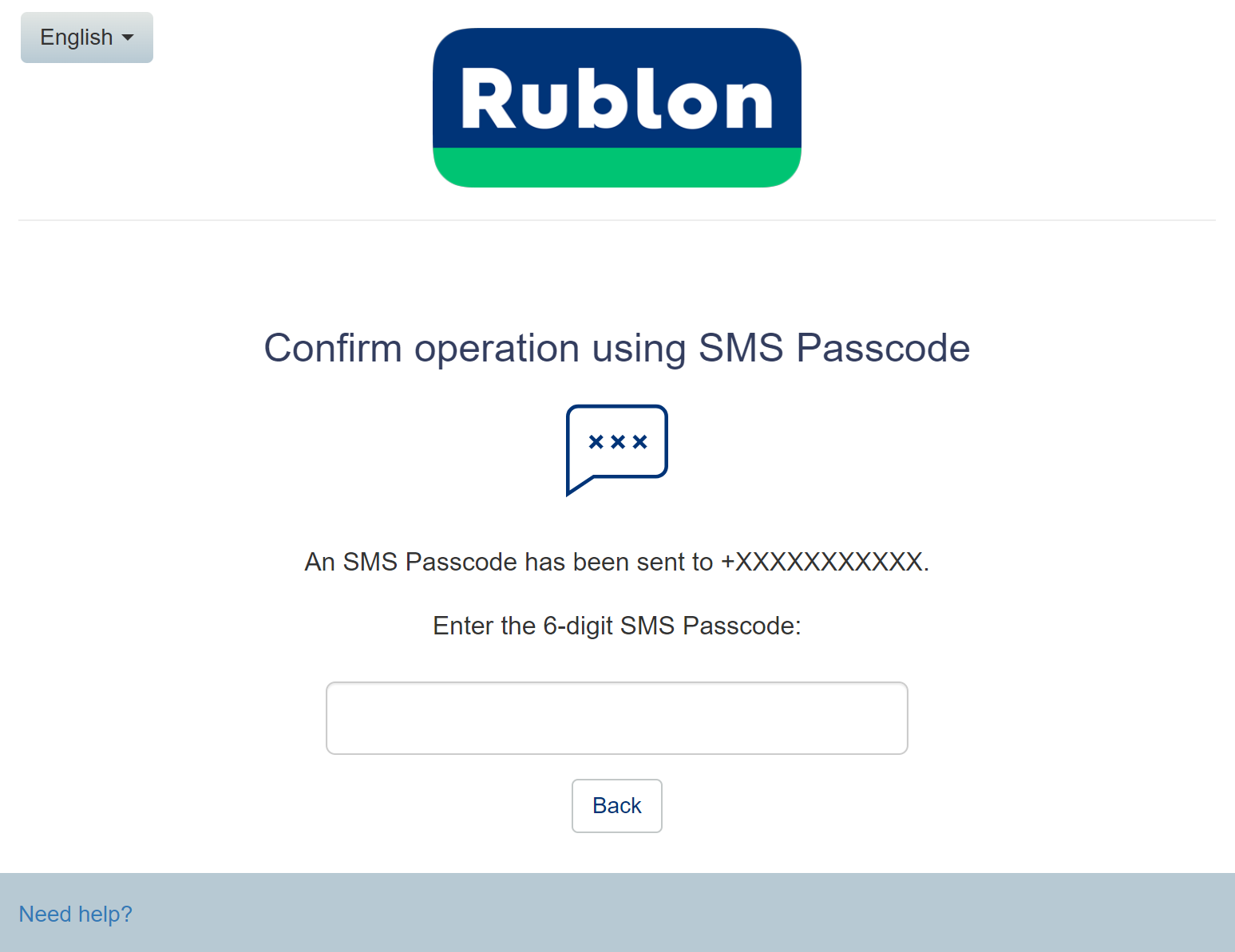
10. You will receive an SMS Passcode to the phone number you entered. Enter the code.
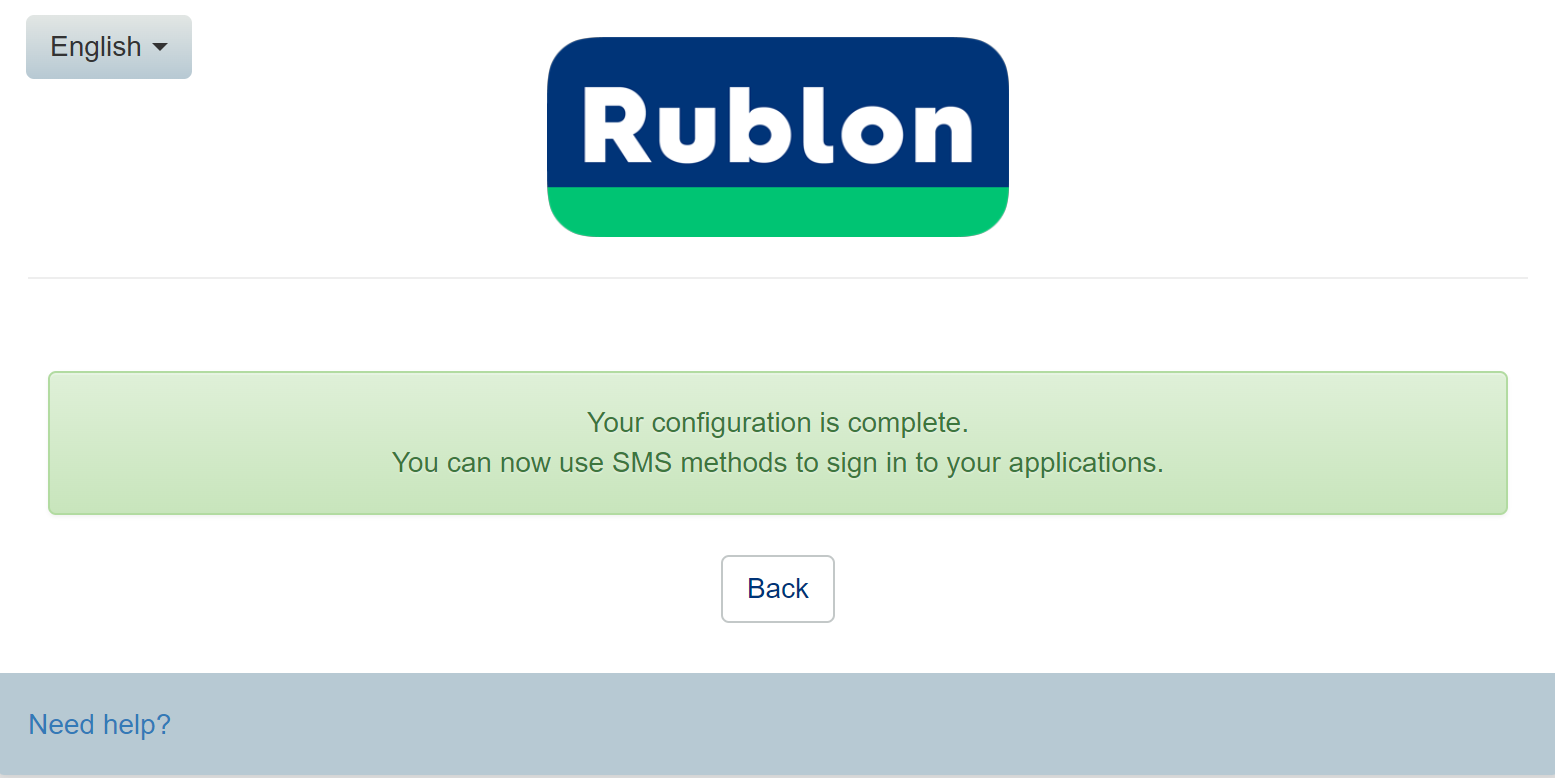
11. Rublon MFA will inform you that your configuration is complete. You can now click Back to return to the Rublon Prompt and sign in to the app.
Add your mobile phone number using Enrollment Email or Enrollment SMS
1. If you have not received an Enrollment Email or Enrollment SMS from your administrator, ask them to send you one.
2. Open the Enrollment Email and click Enroll Your Authenticator or open the link from the text message.
3. Follow the instructions in Add your mobile phone number using Manage Authenticators starting from Step 8.
Sign in to your app using SMS Link
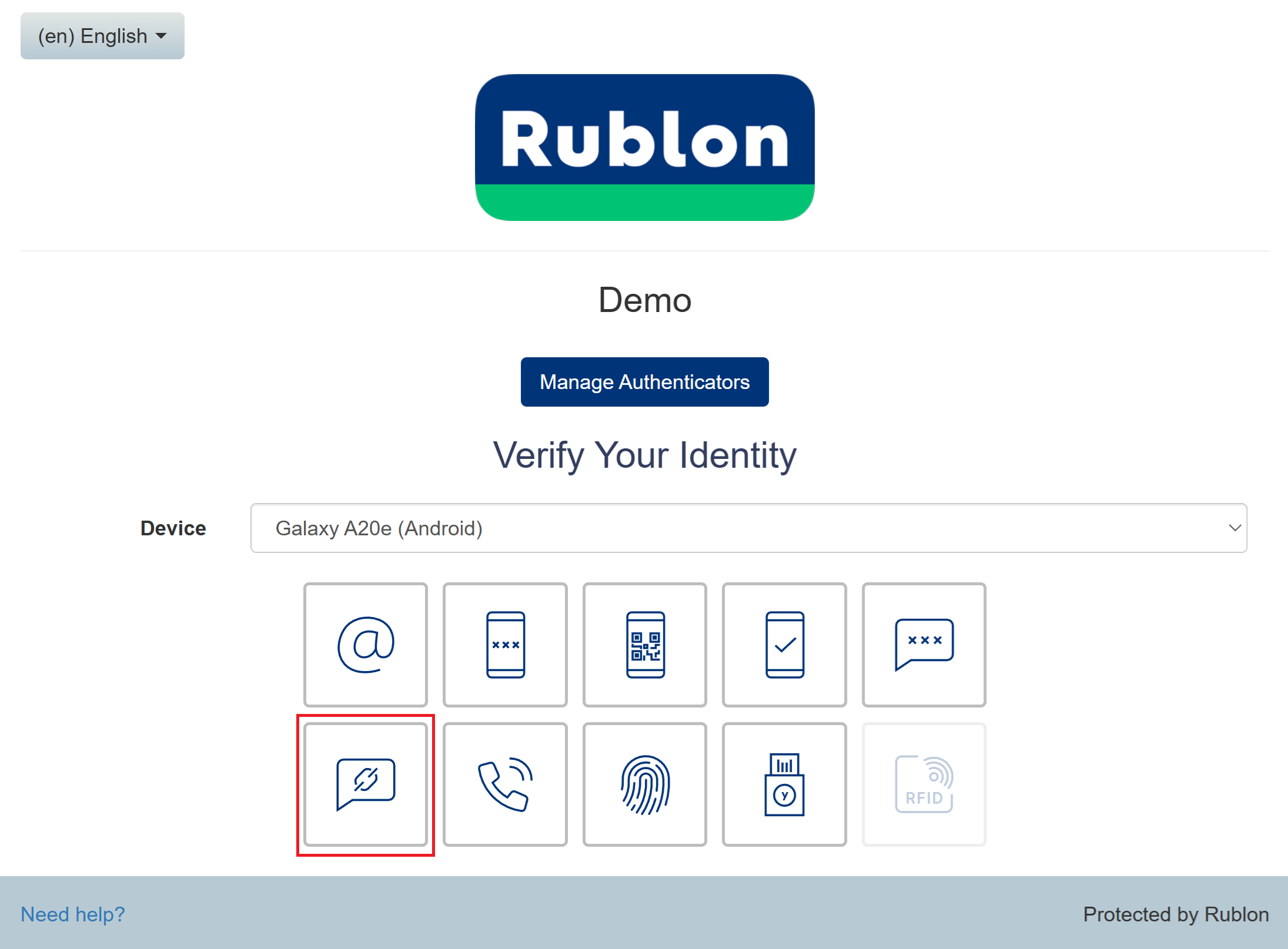
1. While on the Rublon Prompt, select the SMS Link authentication method.
2. You will receive a text message with the link, open it.
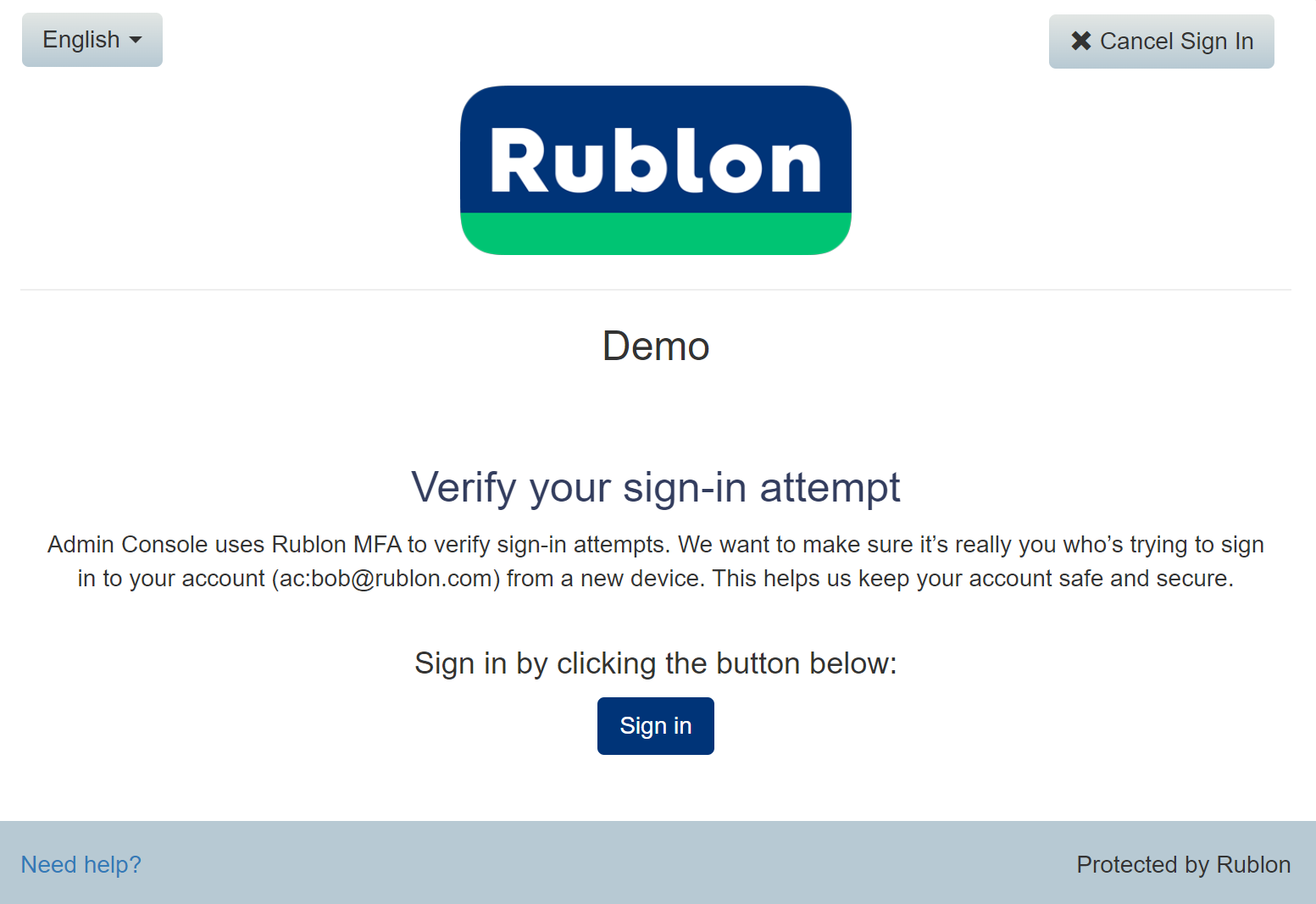
3. Rublon MFA will sign you in to your application.
Related Posts
- Rublon User Guide
- How to add a landline phone number?
- How to enroll a mobile device with Rublon Authenticator?
- How to enroll a third-party authenticator app?
- How to add a FIDO2/U2F Security Key?
- How to add a YubiKey OTP Security Key?
- How to enroll a FIDO2 Passkey for MFA?
- How to add an RFID authenticator?